How to buy clothes online with fewer returns
Updated October 16, 2026 · 6 min read
Clothes bought online come back far more often than most other things people order, and the reasons are nearly always the same: the size was wrong, the fit was off, or it simply did not look the way it did on the screen. Each of those has a fix you can do before you press “buy”.
1. Measure yourself once, properly
Sizes are not the same from brand to brand, but your measurements are. Take five minutes with a soft tape measure and write these down:
- Chest or bust, at the fullest point.
- Waist, at the narrowest point.
- Hips, at the fullest point.
- Inside leg, from crotch to ankle.
- Shoulder width and sleeve length, for shirts and jackets.
Even better: measure a garment you own that fits you well, lying flat. Shops that list garment measurements can be compared directly with it.
2. Use the size chart, not the size label
Ignore whether you are “usually a medium”. Compare your measurements with each shop’s size chart, and check whether it lists body measurements or garment measurements. If you fall between two sizes, the fit description decides: size down for a relaxed or oversized cut, size up for a slim one.
3. Read the fabric and the fit notes
The fabric composition tells you how a garment will behave. Some stretch (elastane) forgives small size errors; 100% cotton or linen does not stretch and may shrink. Look for the model’s height and the size they wear, which tells you where a hem or sleeve will fall on you.
4. Read reviews for fit, not stars
Search reviews for “runs small”, “runs large”, “tight”, “long” and “see-through”. Reviews from people with a similar height and build are the most useful. Photos in reviews show the real color under ordinary light, which is often different from studio photos.
5. Preview the item on yourself
Many returns are not about size at all: the color washed you out, or the style just was not you. That is exactly what a virtual try-on is good for. Save the product photo from the shop page, upload it with a photo of yourself, and see the item on you before you order. Our page on how to try on clothes online walks through it.
Keep the limits in mind: a preview shows color and style, not size. Steps 1 and 2 settle the size; step 5 settles whether you like it. The guide how accurate is virtual try-on explains what to trust.
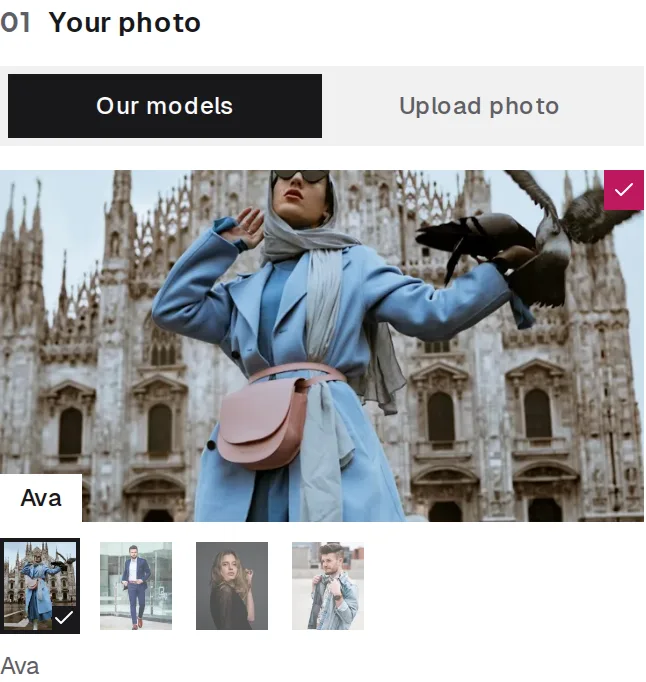
Your photo
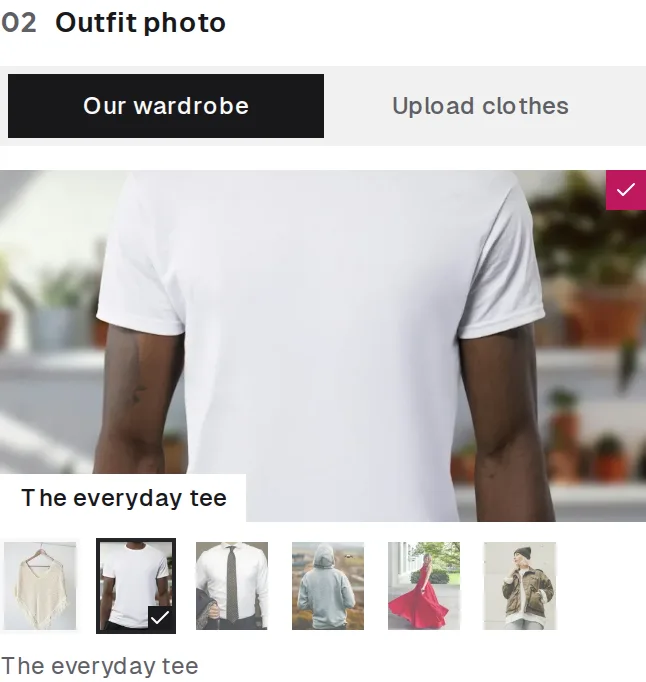
The item
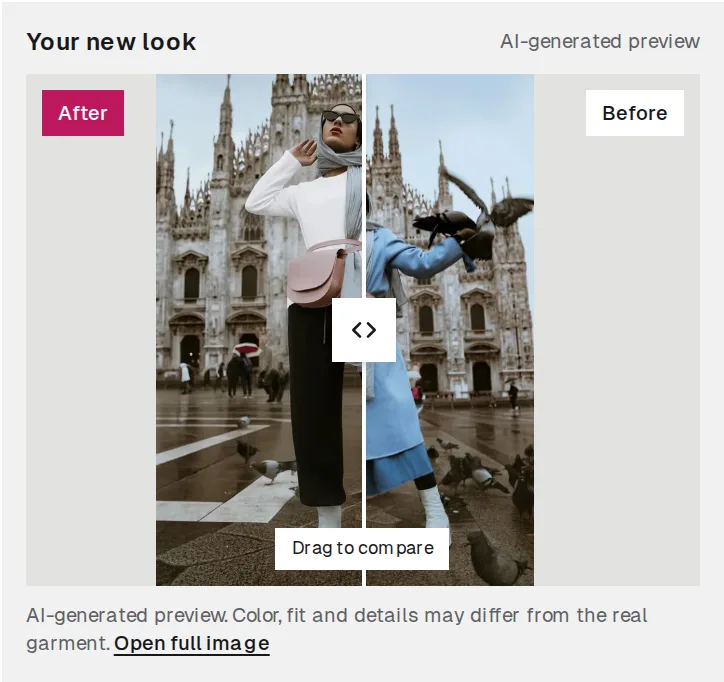
Preview
6. Check the return policy before you buy
Look at the return window, who pays return shipping, and whether sale items can be returned at all. If you are unsure between two sizes and returns are free, ordering both and sending one back may be cheaper than two rounds of shipping. If returns are paid, take extra care with steps 1 to 5.
7. Keep a short note of what worked
Note the brand, item, size and how it fit every time you keep something: “Brand A jeans, size 30, perfect; Brand B shirts, M is tight in the shoulders”. After a few orders, this note is worth more than any size chart.
In short
- Know your measurements.
- Choose by the size chart and the fit description.
- Check fabric, model size and fit reviews.
- Preview color and style on your own photo.
- Read the return policy first.
Open the fitting room to preview your next order. Your first try-on is free when you sign in.