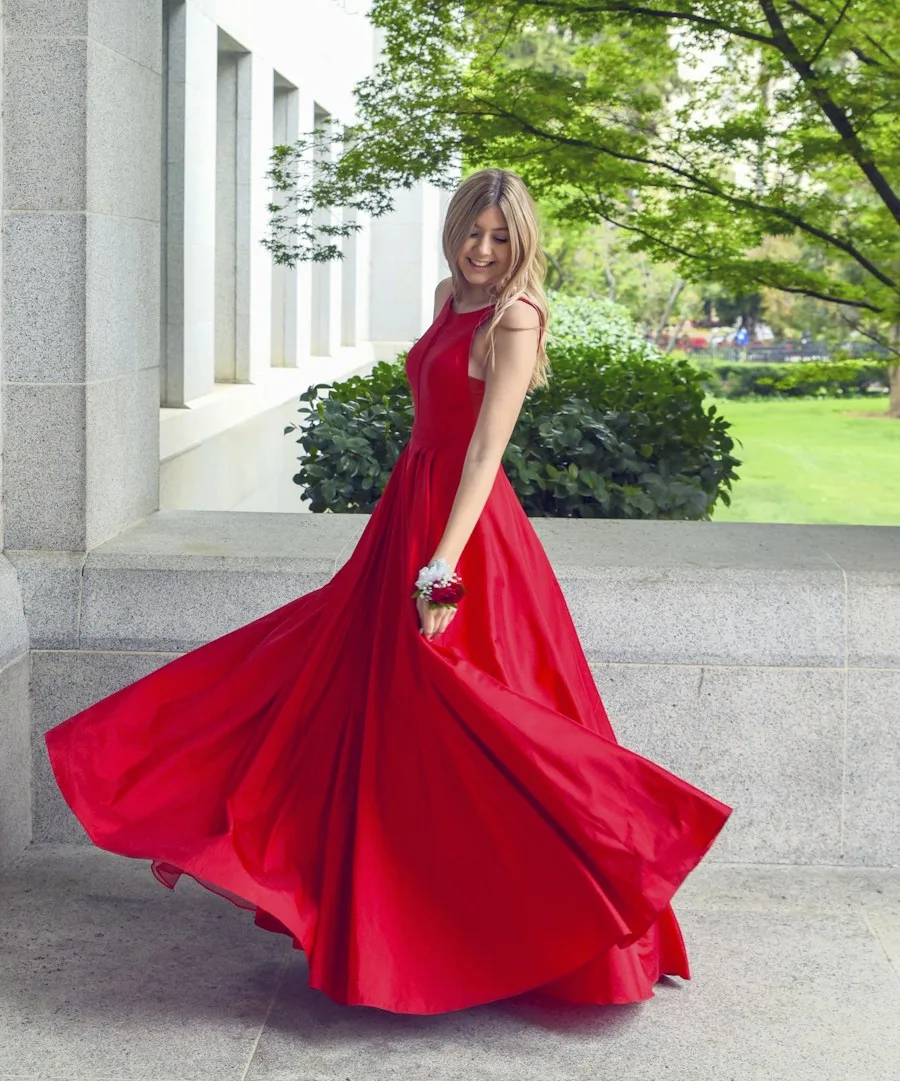
Dresses
Explore a dress for dinner, a wedding, or an everyday outing. Start with a clear garment photo, then consider color and silhouette alongside the shoes you already enjoy wearing most.
Your photo or our models. Your clothes or our wardrobe. Find your next look, right here.
Tap a color to see the same piece in it, then send it straight to your fitting room.
Wardrobe reference photos, not AI-generated try-on results. Colors other than the original are the same photo recolored, so the shade on screen is approximate.
One photo, one outfit, one place to explore. Start with your own images or use the library.
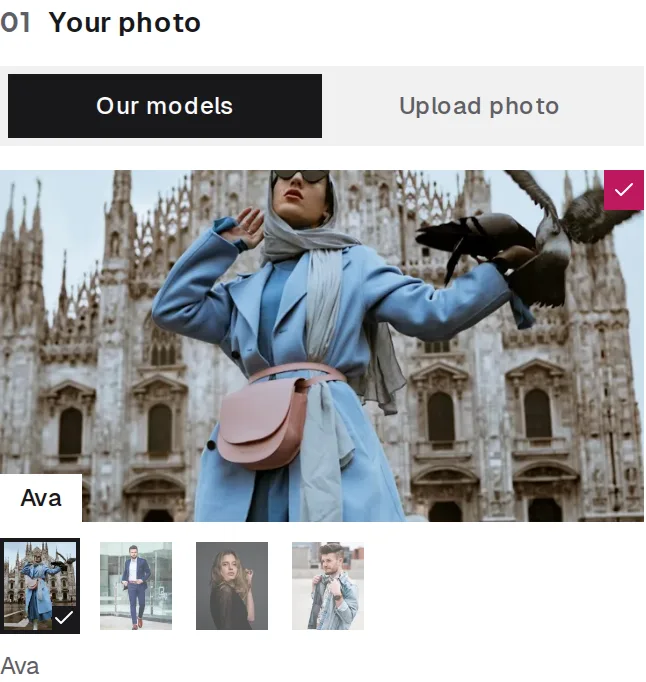
Choose a clear photo of yourself, or pick a sample model to explore without uploading.
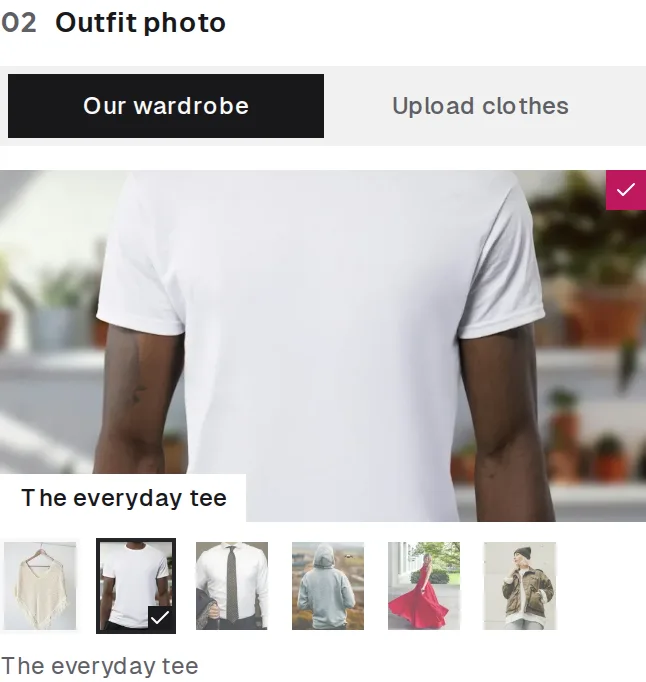
Upload a clothing photo or select a piece from our wardrobe; either works with your chosen person.
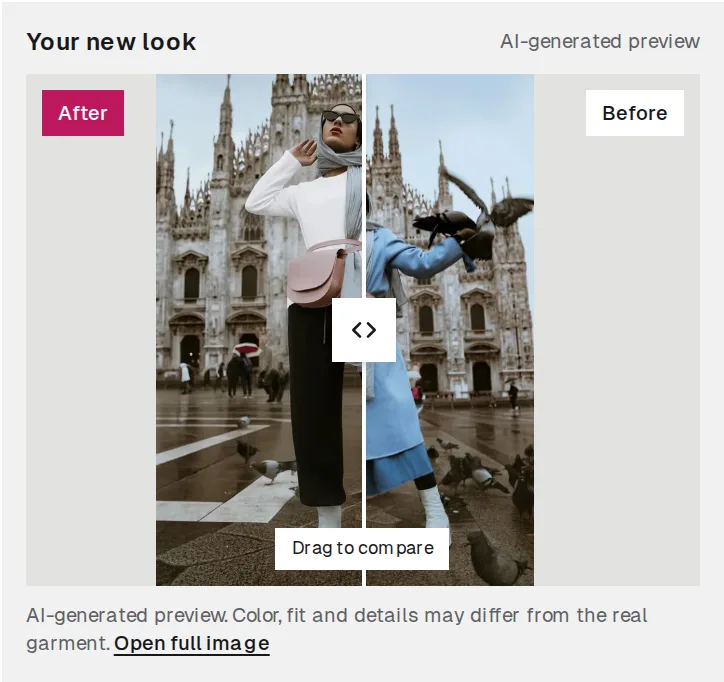
Press Try It On, then slide to compare your original photo with the AI-generated look.
Results are generated by AI from the two images you choose and can vary with photo quality.
From a weekday staple to something worth dressing up for.
Explore a dress for dinner, a wedding, or an everyday outing. Start with a clear garment photo, then consider color and silhouette alongside the shoes you already enjoy wearing most.
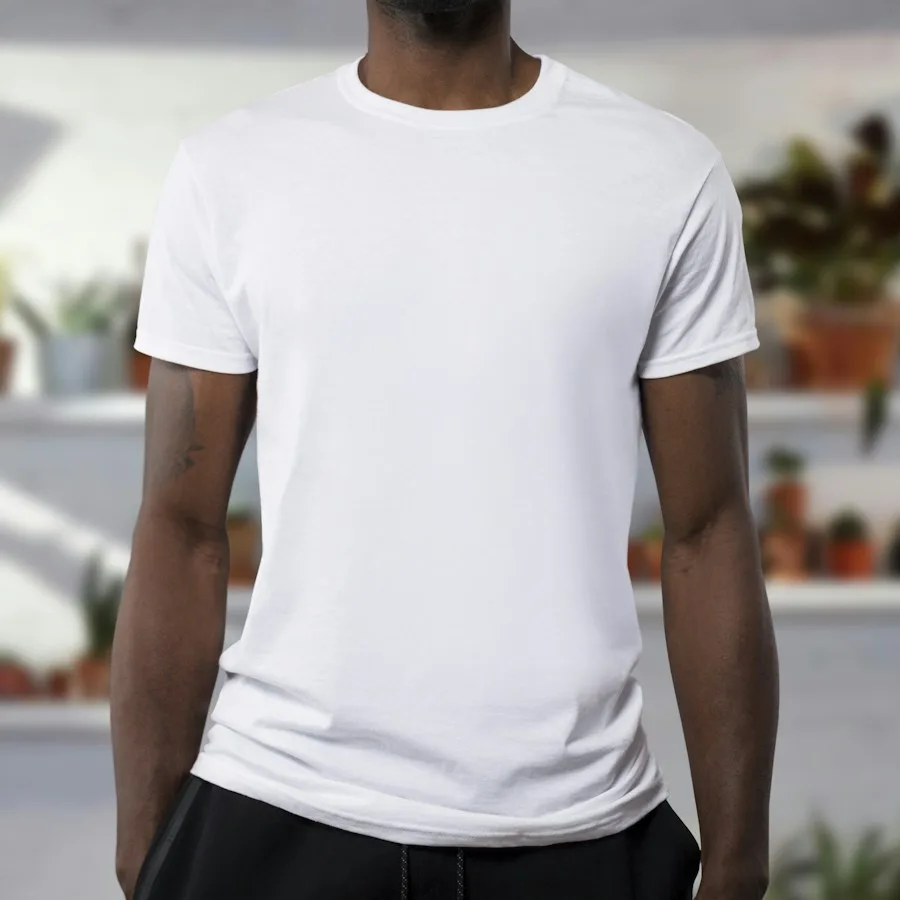
Build everyday outfit ideas around tees, shirts, blouses, and knitwear. A front-facing clothing image makes a useful reference when you want to compare necklines, colors, or a different sleeve length.
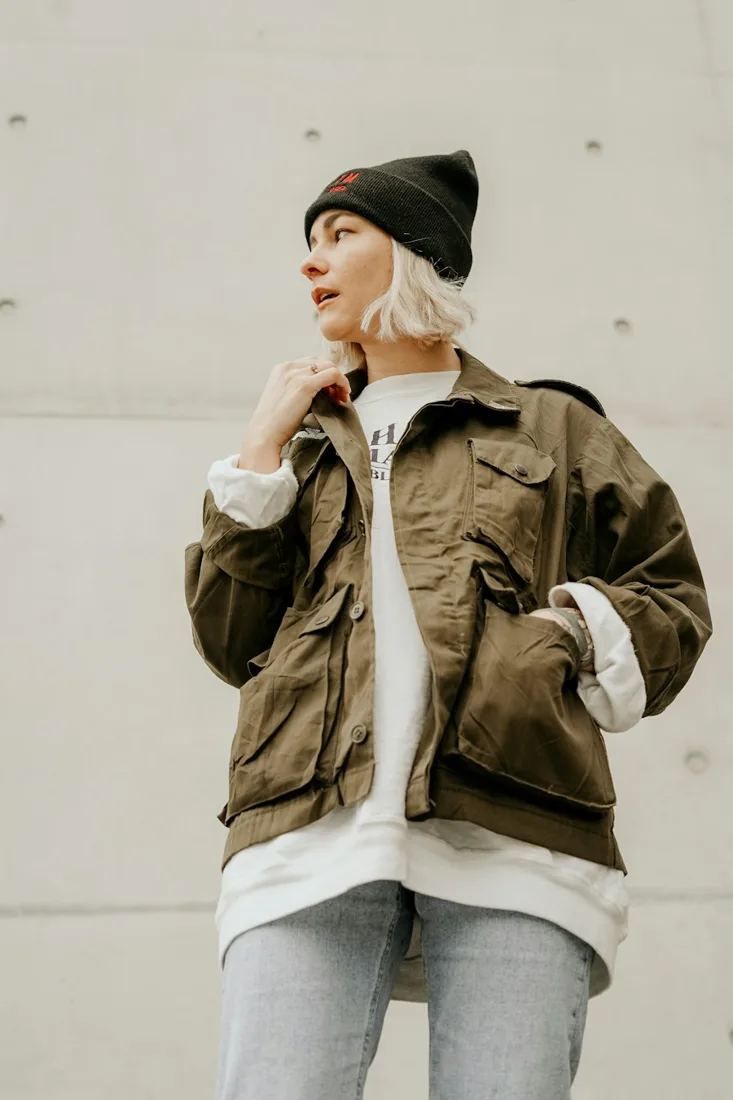
Consider jackets, coats, and light layers for changing weather. Use a photo that shows the complete garment, and remember that an image preview cannot tell you how warm it feels.
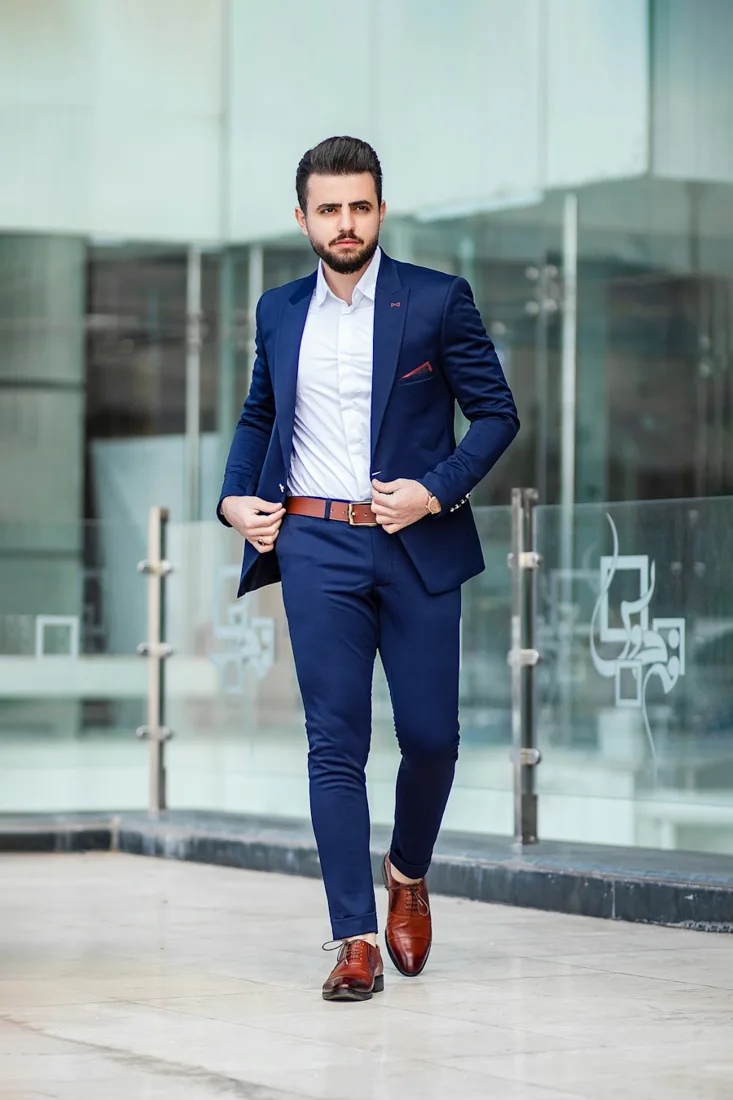
Plan a polished look for work, an interview, or a celebration. Compare suit colors and styling references, then check tailoring, shoulder measurements, and trouser length separately before choosing your size.

Explore clothing with cultural significance using accurate references and respectful context. Intricate draping, embroidery, and layered garments need careful review; generated imagery should never be treated as authoritative styling guidance.
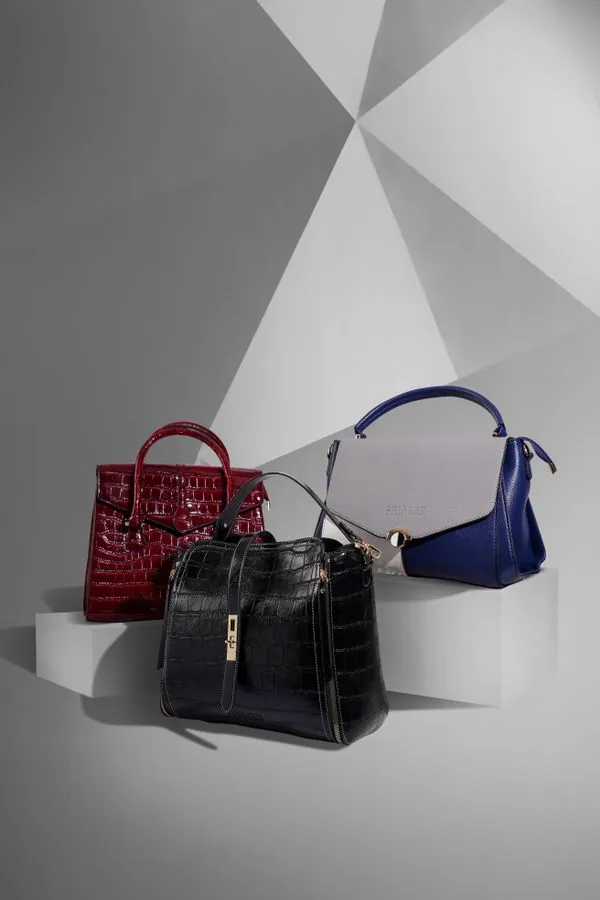
Think through finishing touches such as bags, scarves, and hats alongside your outfit. Accessory rendering depends on the generation service; detailed proportions and placement may require a separate reference image.
Style references, not generated results. Try-on works best with clothing; results vary with the photos you choose.
Use Try On Outfit directly in your browser. No app to download.
Use the fitting room on your phone, tablet, or computer. Everything happens on this website, with nothing to install.
Upload your own photo and clothes, or choose from our model and wardrobe libraries. Mix either source in the same fitting room.
Sign in with Google to get 1 free try-on with a full result, no watermark. Choose your images first; you are only asked to sign in when you press Try It On.
PAY FOR THE LOOKS YOU WANT
One-time try-on packs. No subscription. No automatic renewal.
$4.99
One-time payment
20 try-ons
$0.25 per try-on
$9.99
One-time payment
60 try-ons
$0.17 per try-on
Most Popular
$19.99
One-time payment
160 try-ons
$0.12 per try-on
$49.99
One-time payment
500 try-ons
$0.10 per try-on
One try-on makes one result. Try-ons do not expire, and one that fails goes back to your balance. Payment is handled by Waffo.
Sign in to get 1 free try-on
Sign in with Google; no payment details needed.
Before you try a new look, here is what to expect.
Virtual outfit try on uses a person photo and a clothing image to visualize a different look. It helps with style exploration, but it does not measure physical fit. The preview is generated by AI from the two images you choose, so treat it as a visual reference rather than an exact match.
Your first try-on is free: sign in with Google and it is added to your account, with no payment details needed. After that, more try-ons come in one-time packs from $4.99 for 20; there is no subscription.
No. Try On Outfit is a website, and we do not offer an iOS or Android app. Open this page in your browser on a phone, tablet, or computer, select your photos, and press Try It On. You choose your photos first and are asked to sign in with Google when you press Try It On.
Every account gets one free try-on when you sign in, and a try-on that fails is not counted. For more, buy a one-time pack: one try-on makes one result, and packs do not expire.
Photos you upload are sent to our AI try-on provider to create the result. The result and the photos it was made from are then saved privately in My Looks, where only you can see them and you can delete them at any time. Library models and wardrobe items are sample images hosted on this site.
Yes. Either person source works with either clothing source: your photo or Our models, paired with Upload clothes or Our wardrobe. The model library uses sample photographs, not AI-generated people.
Start with a clear, well-lit person photo facing the camera and a separate image showing the whole garment. Use JPG, PNG, or WebP, up to 10 MB each. Keep the relevant body area visible, and use images you have permission to upload.
No. A virtual outfit preview is a styling reference, not a measurement or fit guarantee. Use the retailer’s size chart, your measurements, and the return policy to make a buying decision.
Explore how a shopping find might look before you buy.
Change the clothes while aiming to preserve the person and pose.
Virtual try-on guides
The photo you upload decides how good a virtual try-on looks. Lighting, pose, framing and what to wear: eight tips for a photo the AI can dress well.
An honest look at AI virtual try-on: it is good at color, style and overall look, but it cannot tell you your size or how fabric feels. Here is what to trust.
Find the clothing colors that flatter you: undertone and contrast in plain terms, simple at-home tests, and how to try colors on your own photo before you buy.
Most online clothing returns come down to size, fit or “not what I expected”. Seven practical steps to measure, read size charts and preview items before you order.